Compromeez v1.1.0 released with manage categories feature
Soon after the release of v1.0.0, I waste no time to develop new feature for Compromeez. It is on purpose when I didn't include manage categories on v1.0.0. At that time, I thought that I should release Compromeez main feature first, which is the landing page template and blog posts pages.
Now, the next minor release comes with several new features that make managing article easier and help your website reader more aware of the context of the article.
Welcome Compromeez v1.1.0 🙌
Category on an article
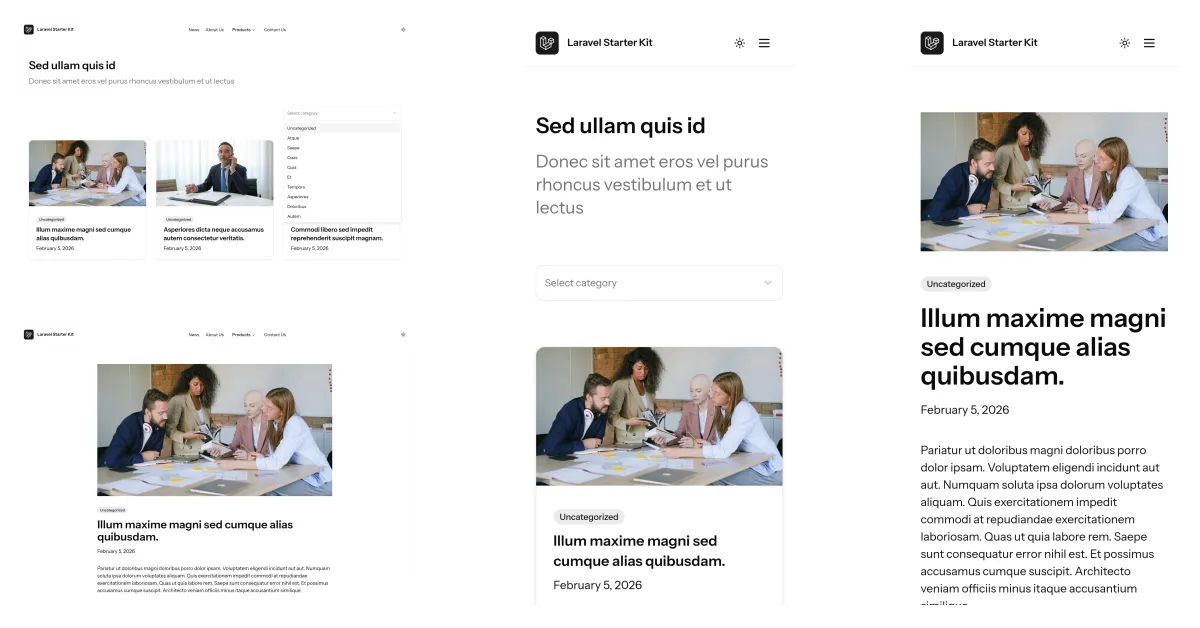
Adding category to an article will help the reader to know what is the topic of the article they are reading.
Now, your website visitor can select the articles of the topic they interested about on the News page and the articles showed will be filtered accordingly.
Manage categories
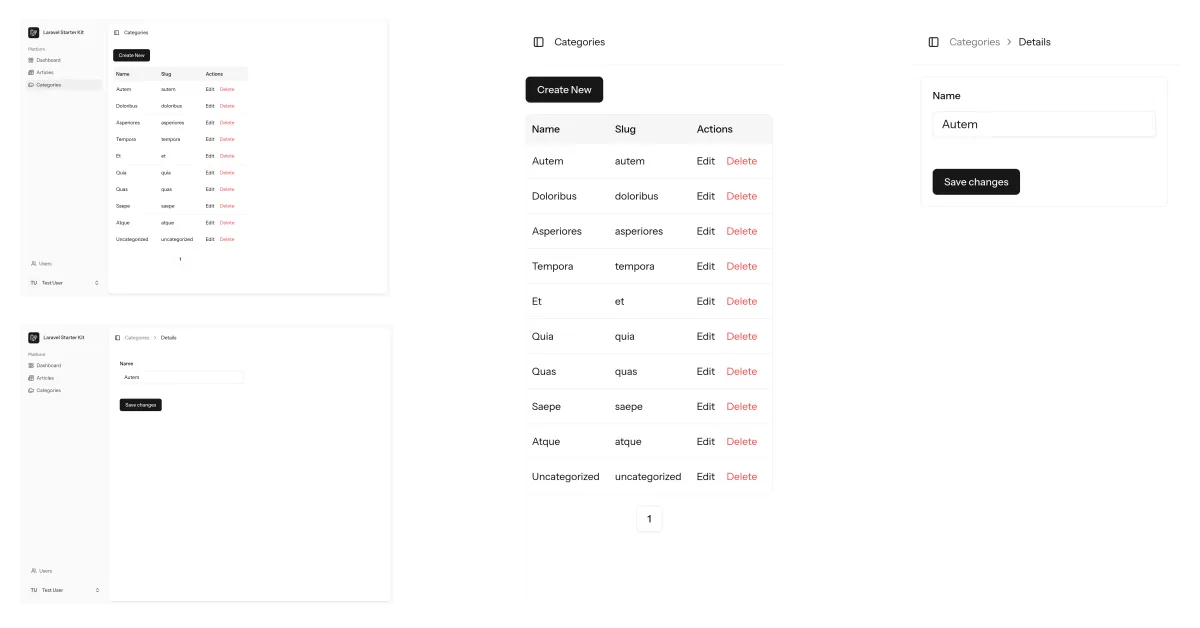
Category helps content managers to group the articles by topic. A dedicated page to manage categories now available to use.
Select category and add sharing description
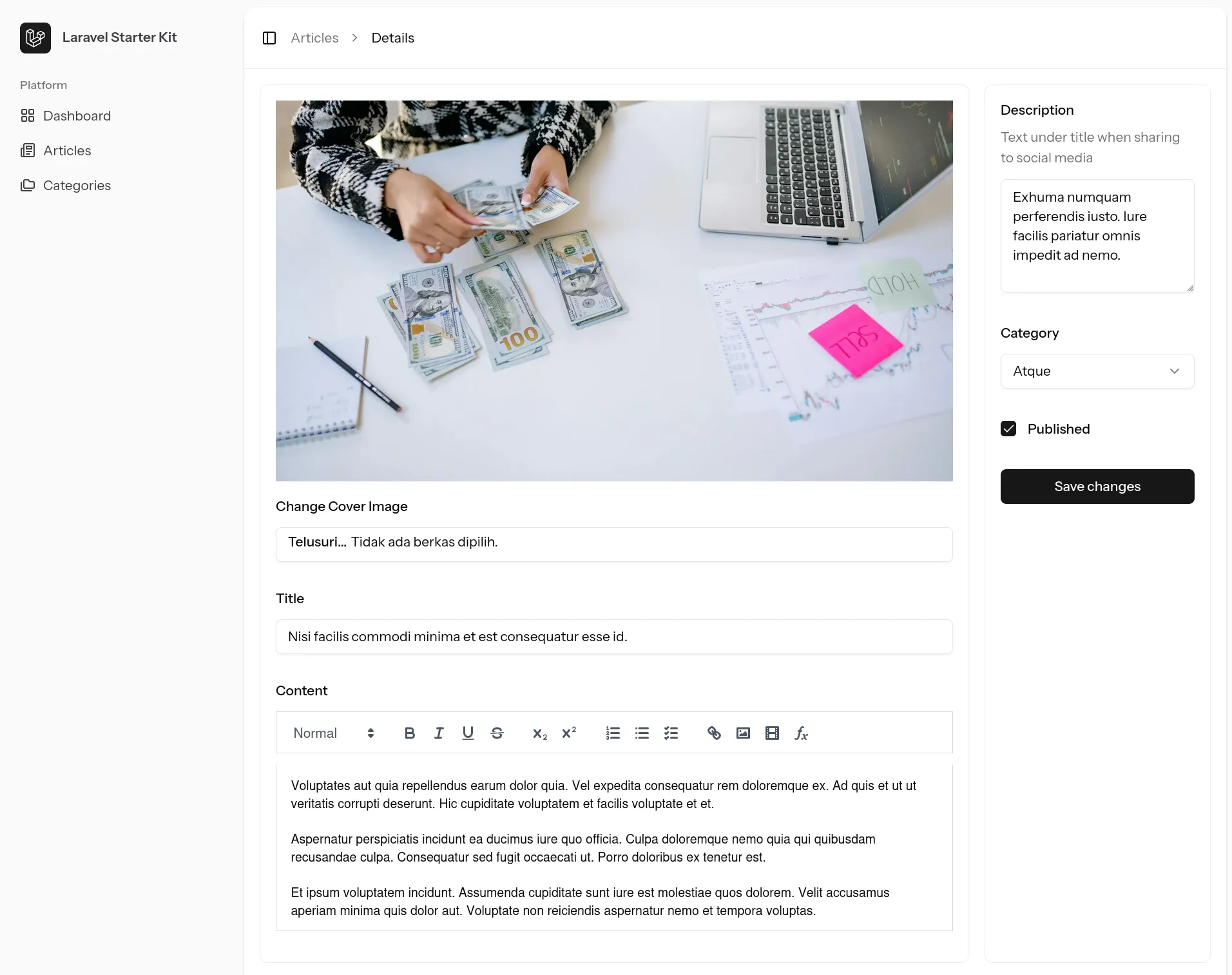
Content managers can select a category for an article and add description text for social media share previews on the create or edit article page.
Quick panel on dashboard
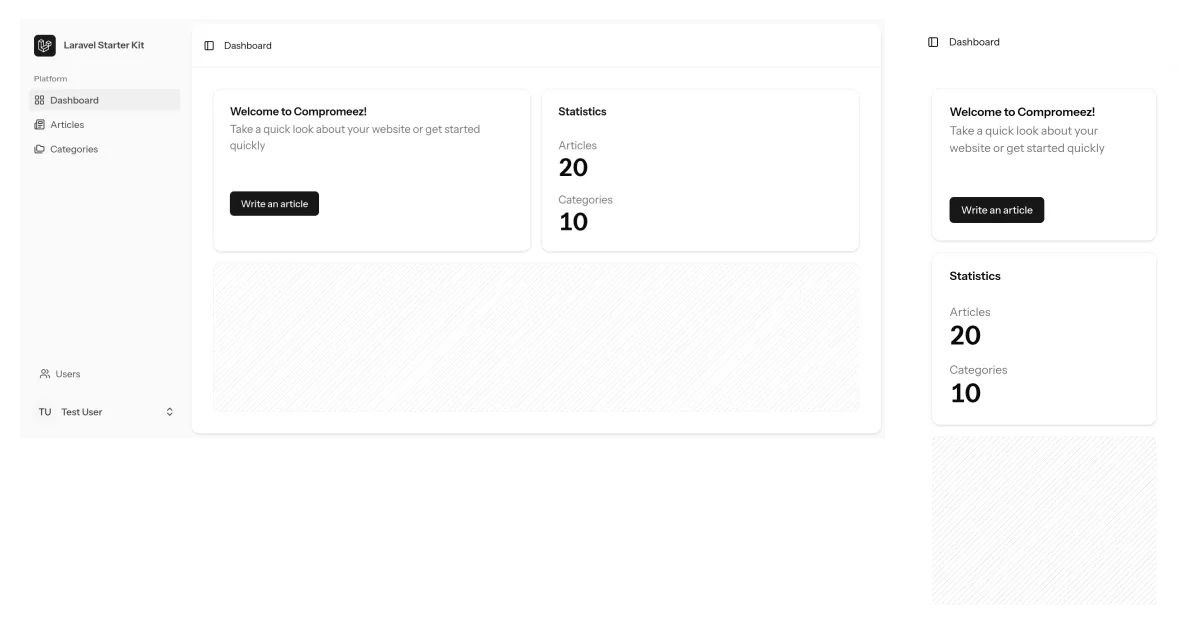
On the previous version, dashboard page was still empty. I didn't know what information should be added on the dashboard until I research the WordPress admin panel.
I don't want to burden the developer to customize the dashboard and I still want to provide some template should they want to use Compromeez straight away.
So, I include a welcome card with quick link to write new article and a simple statistics about the articles.
Upgrading from v1.0.0
If you have v1.0.0 already running, you need to run migration command after pulling from main branch.
# pull latest changes
git fetch && git pull

# run database migration
php artisan migrate
If you find any error when installing or upgrading from v1.0.0, feel free to submit issue on Compromeez repository at GitLab.
Have you tried Compromeez? Share your thoughts in the comments.