Alabaster for Zed v1.0.0 released with light and dark theme ported from Sublime Text
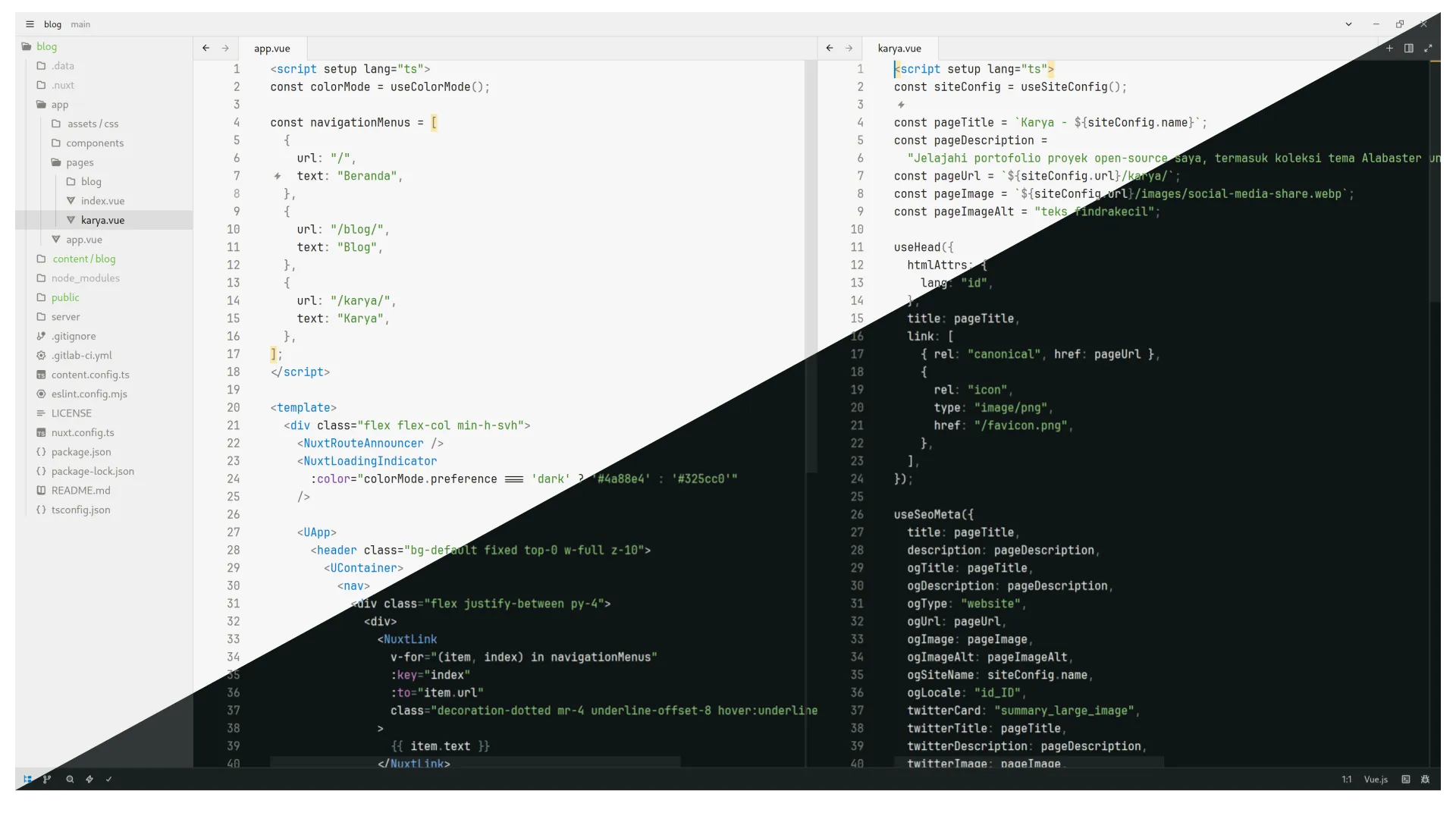
Following the self-proclaimed success of Alabaster Dark, I am embracing the light side of the world. Hence, I ported the Alabaster light variant from Sublime Text, merged with Alabaster Dark, and submitted pull request the new theme to Zed team.
Welcome the new Alabaster, everyone 👏
Why create another?
It started back then when I want to fix several bugs of the Alabaster Dark. I read again the Alabaster motivation and compare it with Sublime Text version. I came into conclusion that Alabaster was originally or specifically created for Sublime Text.
When I tried the other Alabaster for Zed. There are some things that I disagree about the appearance. I think it is not close enough to the Sublime Text version.
It has 5 variants just like in the Sublime Text and I only need the original light and original dark version.
With these differences, I am motivated to create my version of Alabaster that looks like the Sublime Text version.
What will happen to Alabaster Dark?
I will use Alabaster as the main branch for the development of my Alabaster theme project from now on. Alabaster Dark will still available for people who only need the dark variant and it will get the same update from Alabaster.
Install Alabaster
If you are eager to try Alabaster, visit the extension page and hit the install button.
Of course, you can install it from Extensions Panel. Make sure you install the one with my name as the author.

Have you tried the new Alabaster? Share your comment in the social media post below.