Alabaster Dark for Zed v2.0.0 released and it is getting closer to the original
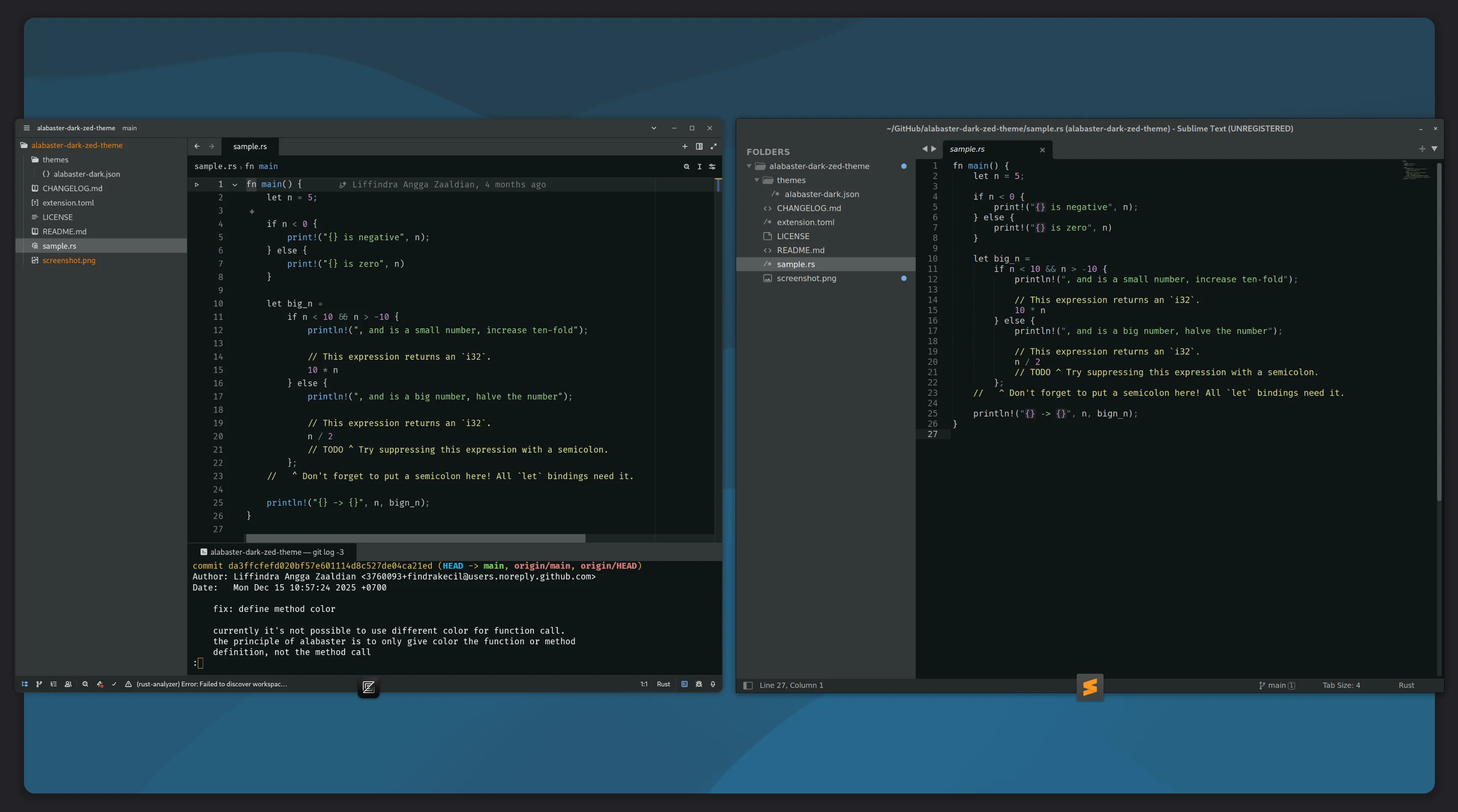
I never thought that I would release v2.0. But, after I relearned the documentation of theme development and reread the README of Alabaster color scheme for Sublime Text, which is the original version, I changed my mind and refactor the theme to mimic the UI and implementation for other code editors.
Here's the story behind the scene.
Refactoring the code
One thing I learned when creating my version of Alabaster theme is that setting the attribute to null has the same effect with using the default color.
At first, I thought that it would be better to list available properties and set it to null because I didn't found clear documentation about it. The documentation on the JSON schema is not covering the whole aspects and the possible value for syntax objects was not found in the documentation. Maybe I didn't read enough at that time.
In version 2.0.0, I removed all properties with null value and sort the properties ascending from a to z to make it easier to find the property I want to change.
We can see the list of available syntax highlighting properties in the documentation page.
Back to basics
First time I created this theme, I didn't think much about the UI aside from syntax highlighting rules. I just put whatever color that I see fit for the element.
Then, I read again the original color scheme's README.md file and then I realized that it doesn't change the UI elements like window color, panel color, or status bar color.
I felt that I did it recklessly and I want to follow the original principle as close as possible. Then, why am I trying to make it looks like in the Sublime Text? I'll explain it in the next section.
UI changes
During the work of refactoring, I remembered that Sublime Text had Adaptive theme mode. This mode will adjust the UI to match the editor theme automatically.
I assumed that Alabaster for VS Code also tried to mimic the UI in Sublime Text because it has the code to adjust the UI elements.
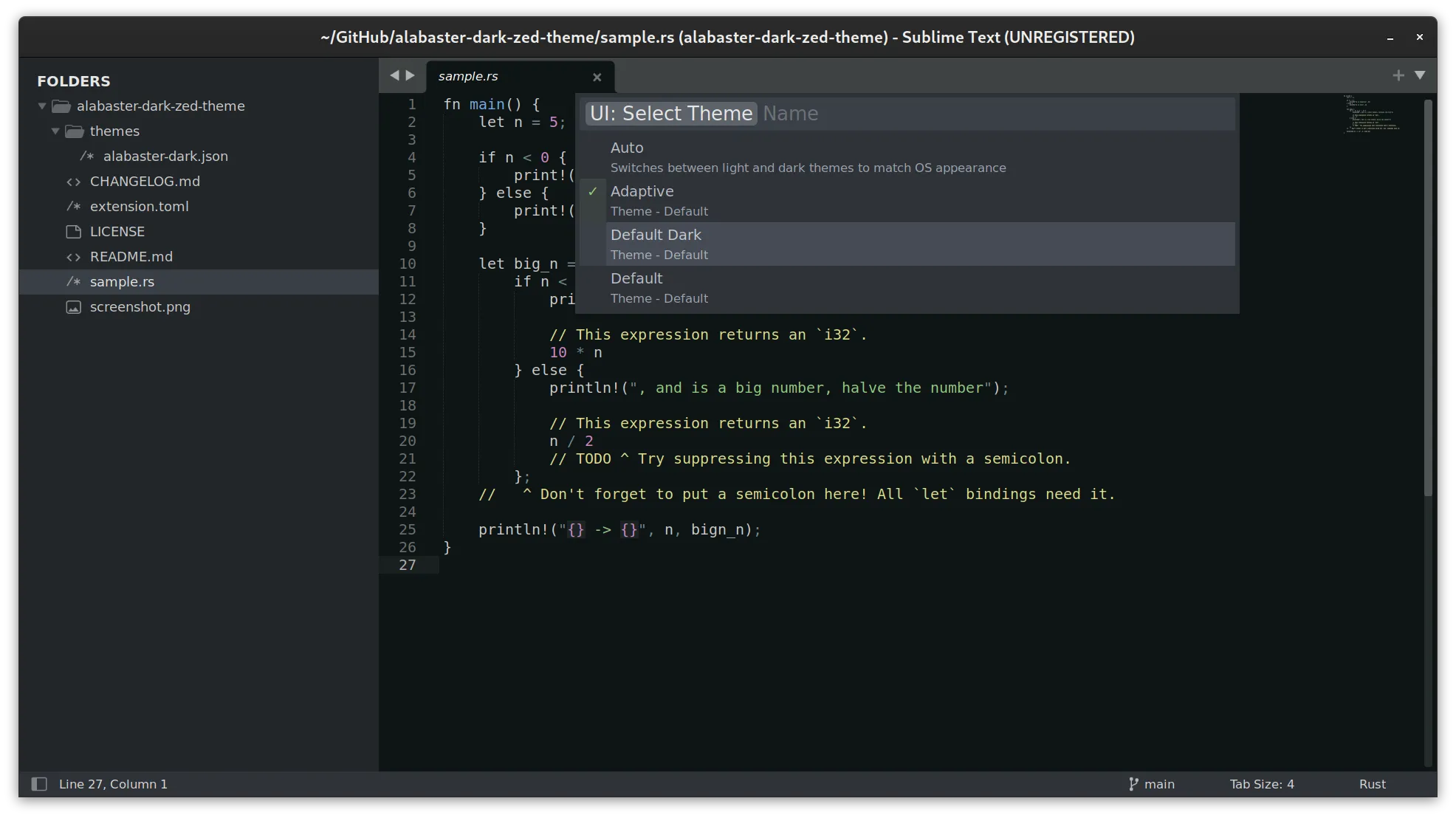
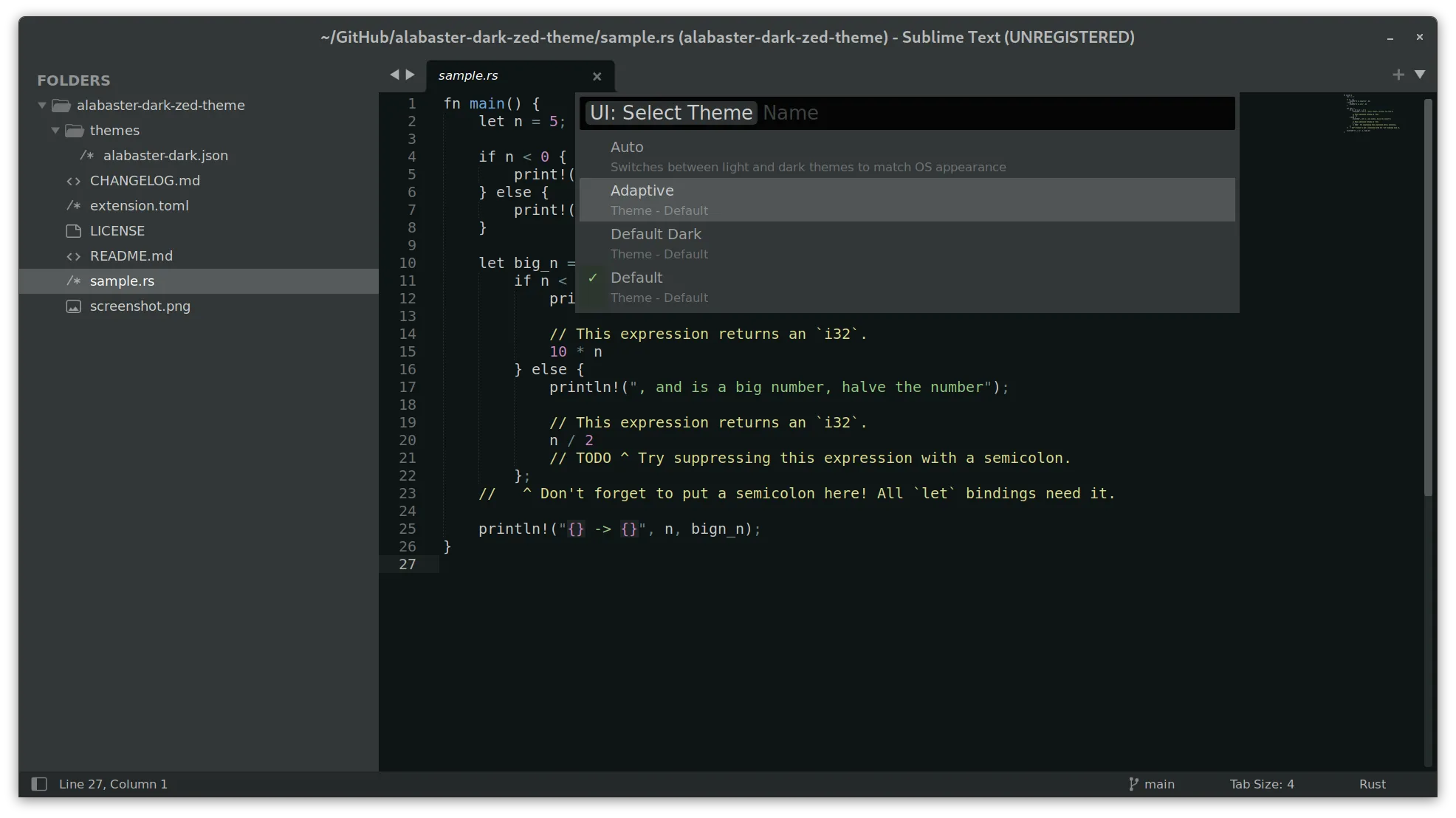
That makes me feels safe to adjust the UI elements for Zed too. Before, I had the conflicts in my thoughts whether I should adjust the UI elements or let it stay with whatever Zed define for default dark theme 😅
Celebrating 20K downloads
Maasyaa' Allah.. laa quwwata illa billah.. This month, Alabaster Dark got over 20K downloads! 🙌
Do you think I've planned this long before? Release v2.0 when this reached 20K downloads? Nope. Never crossed in my mind. I just realized it when I wrote this article, this section 😂
Will v3.0 released when this get 3K downloads? Probably not. I think there won't be radical UI changes. Perhaps, just some minor fixes.
Install Alabaster Dark
You can install Alabaster Dark from Extensions panel by using shortcut ctrl + shift + x on Linux and Windows or using cmd + shift + x on macOS. Look for Alabaster Dark and hit install button. Then, select Alabaster Dark on theme selection modal pop up.
If nothing happened after installing the theme, you can always use the Command Pallete by pressing ctrl + shift + p on Linux and Windows or cmd + shift + p on macOS and search for theme selector: toggle.
Alternatively, use this keyboard shortcut ctrl + k ctrl + t on Linux and Windows or cmd + k cmd + t on macOS. First, you press the ctrl + k and then press t while holding ctrl key.
P.S. If you're wondering what my Zed settings looks like, I shared my settings on GitLab snippets.
Have you tried Alabaster Dark? Or, you want to try it? Share your comment in the social media post below.